
AI Video Generator
Create professional videos from text, images, or scripts, with visuals, voiceover, and editing handled in one place.
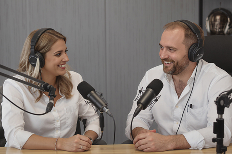
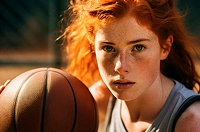
new.webp)
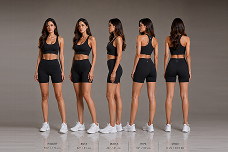
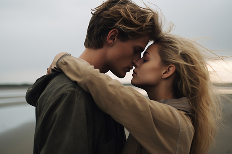



Explore our AI effects library
Recreate any AI preset with your own images — no editing skills needed. Just upload, apply, and generate your video in seconds.
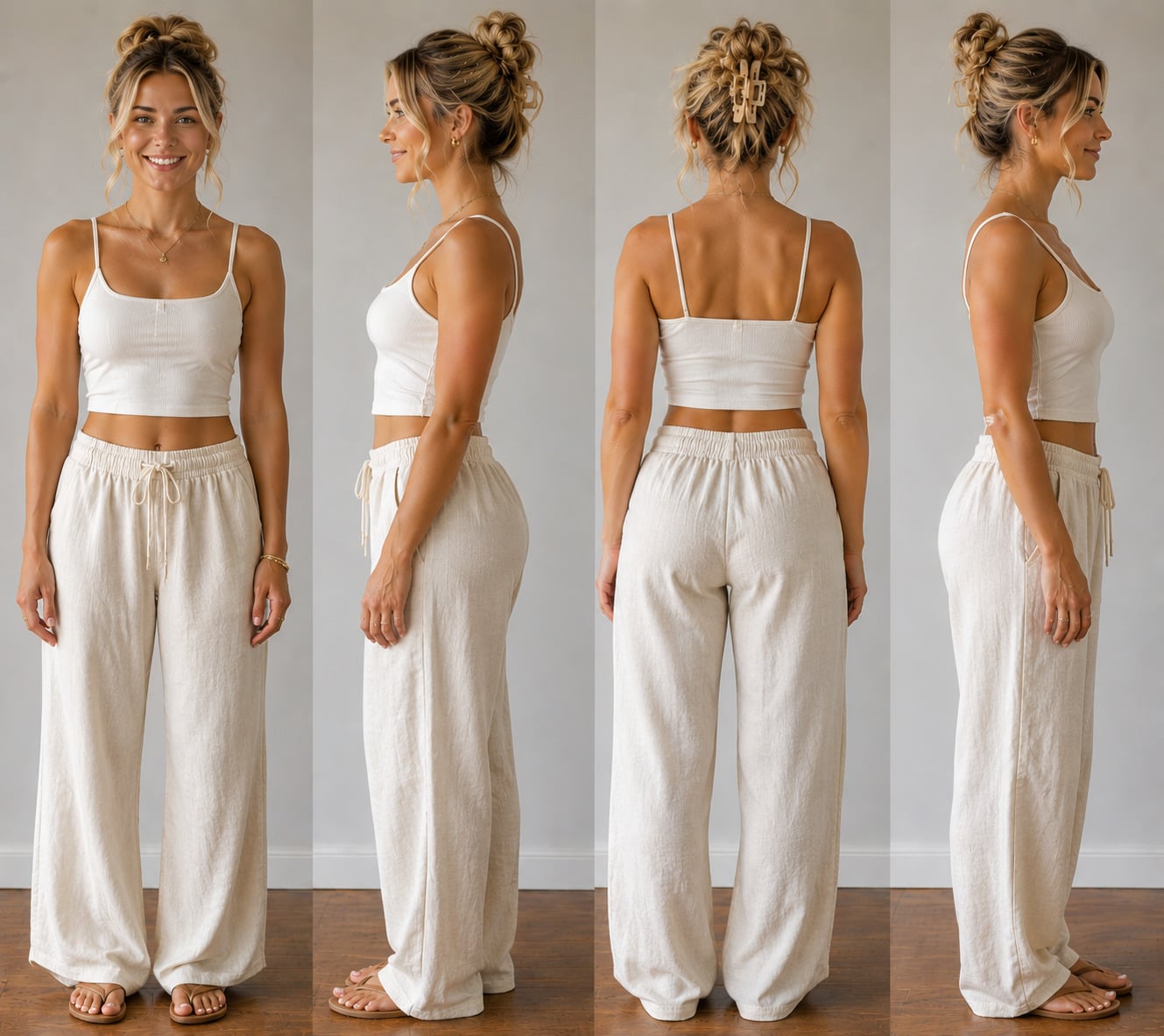


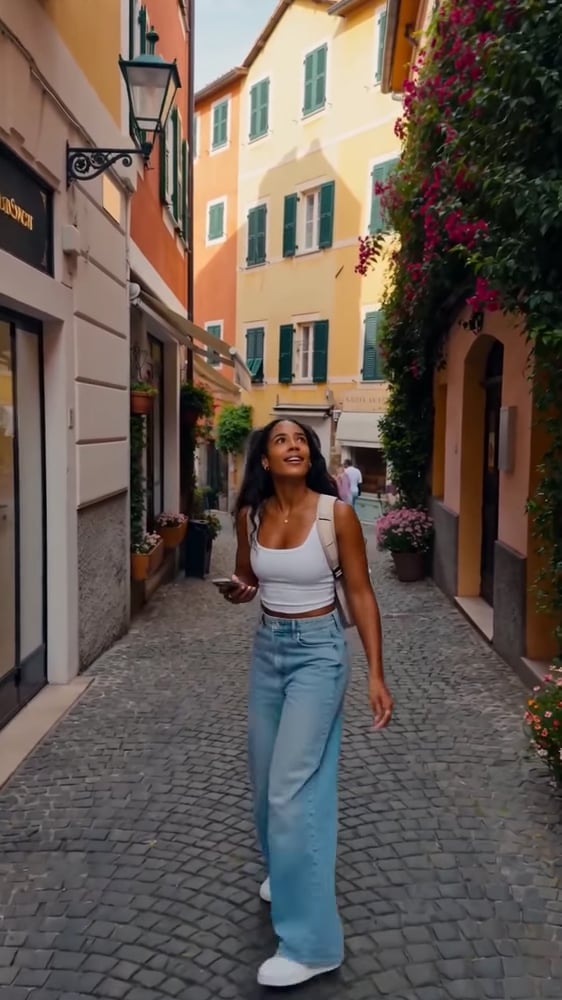











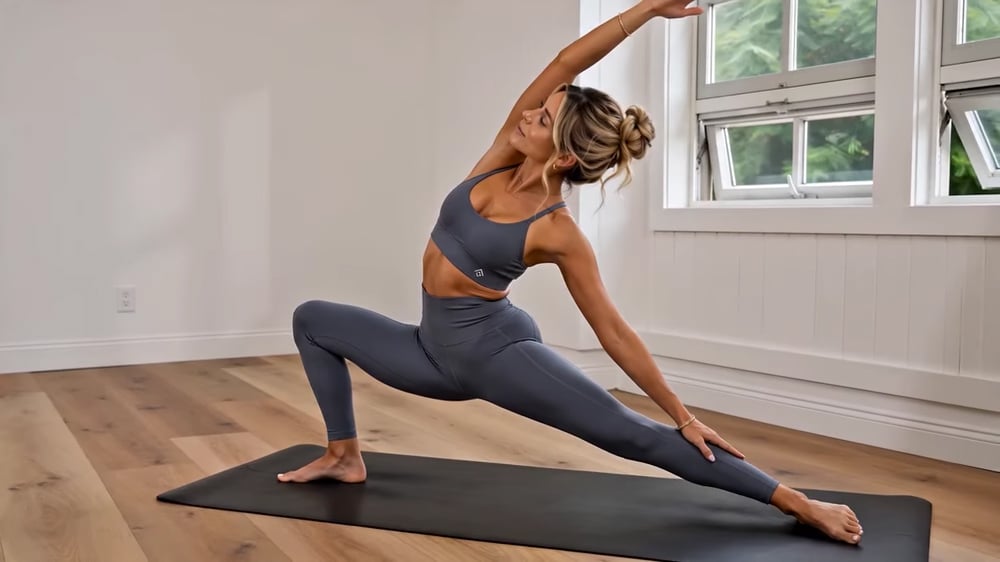
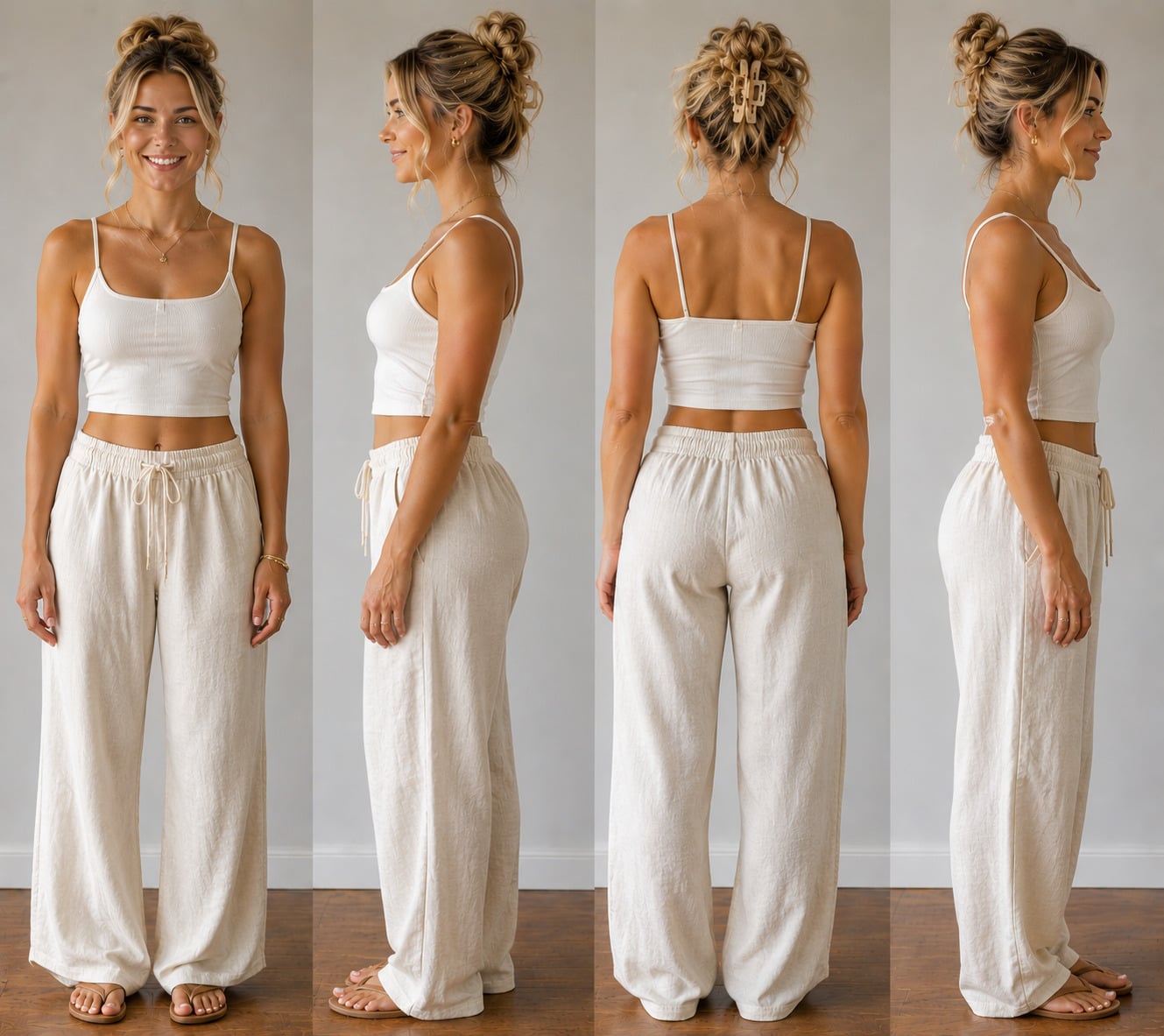
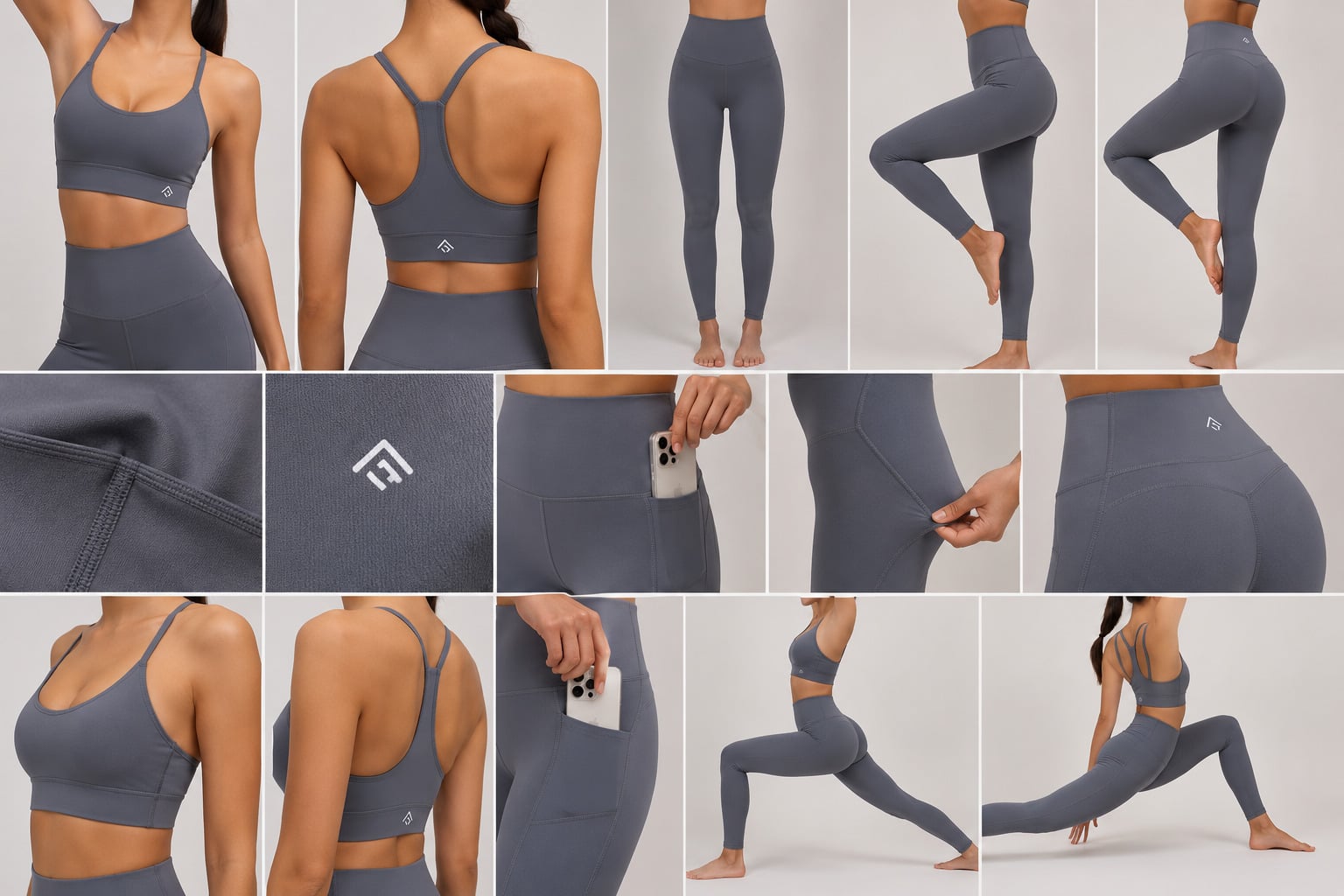
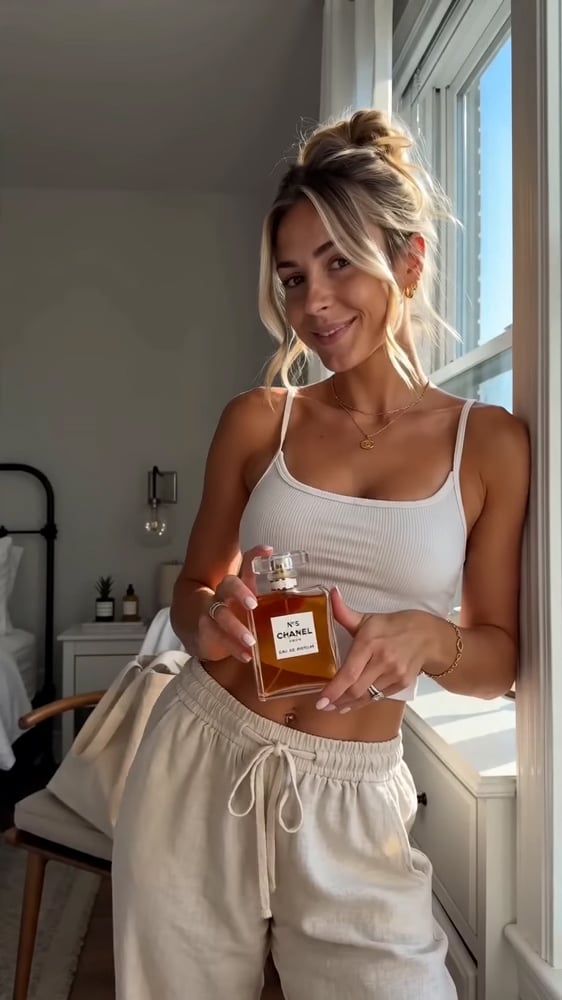
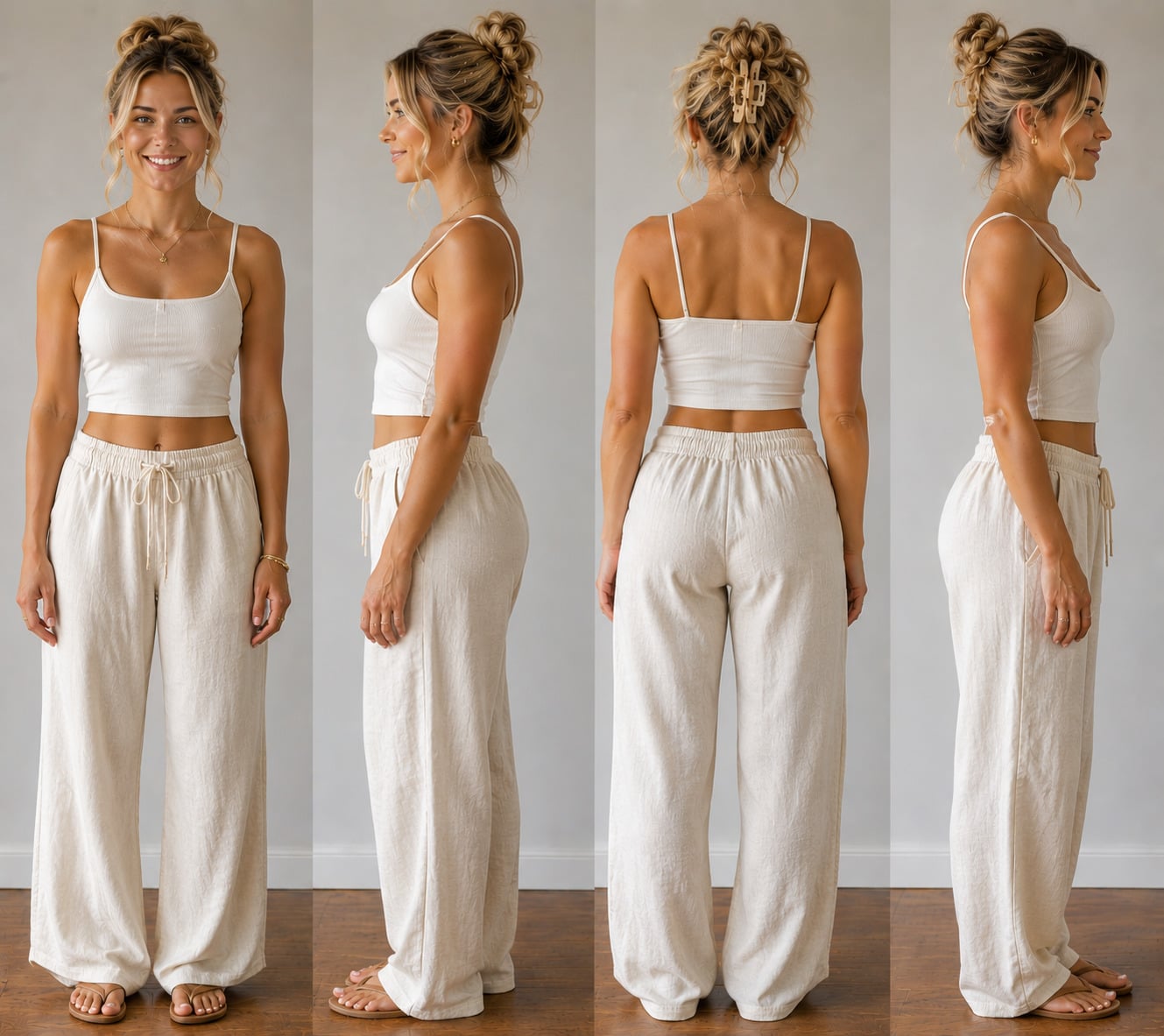
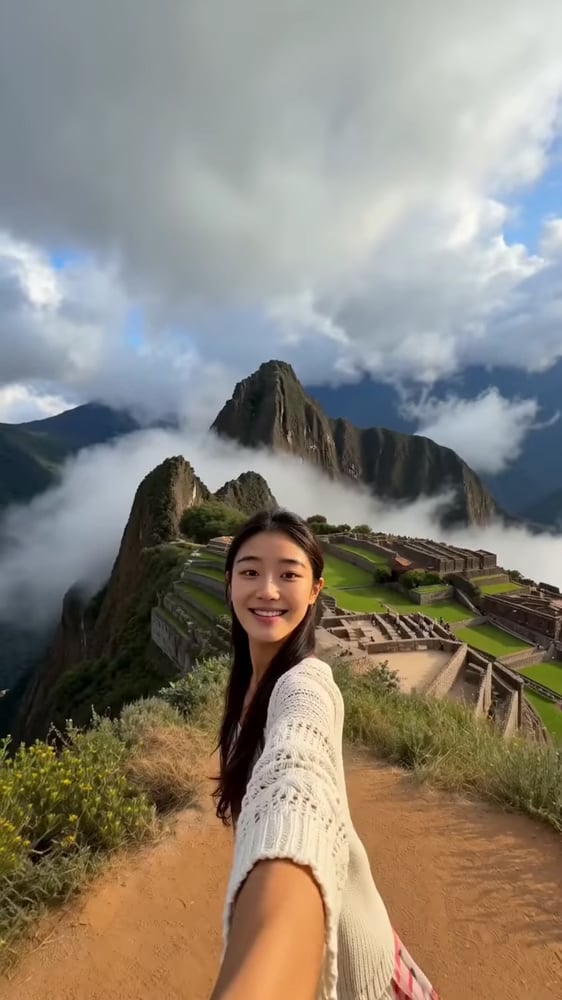
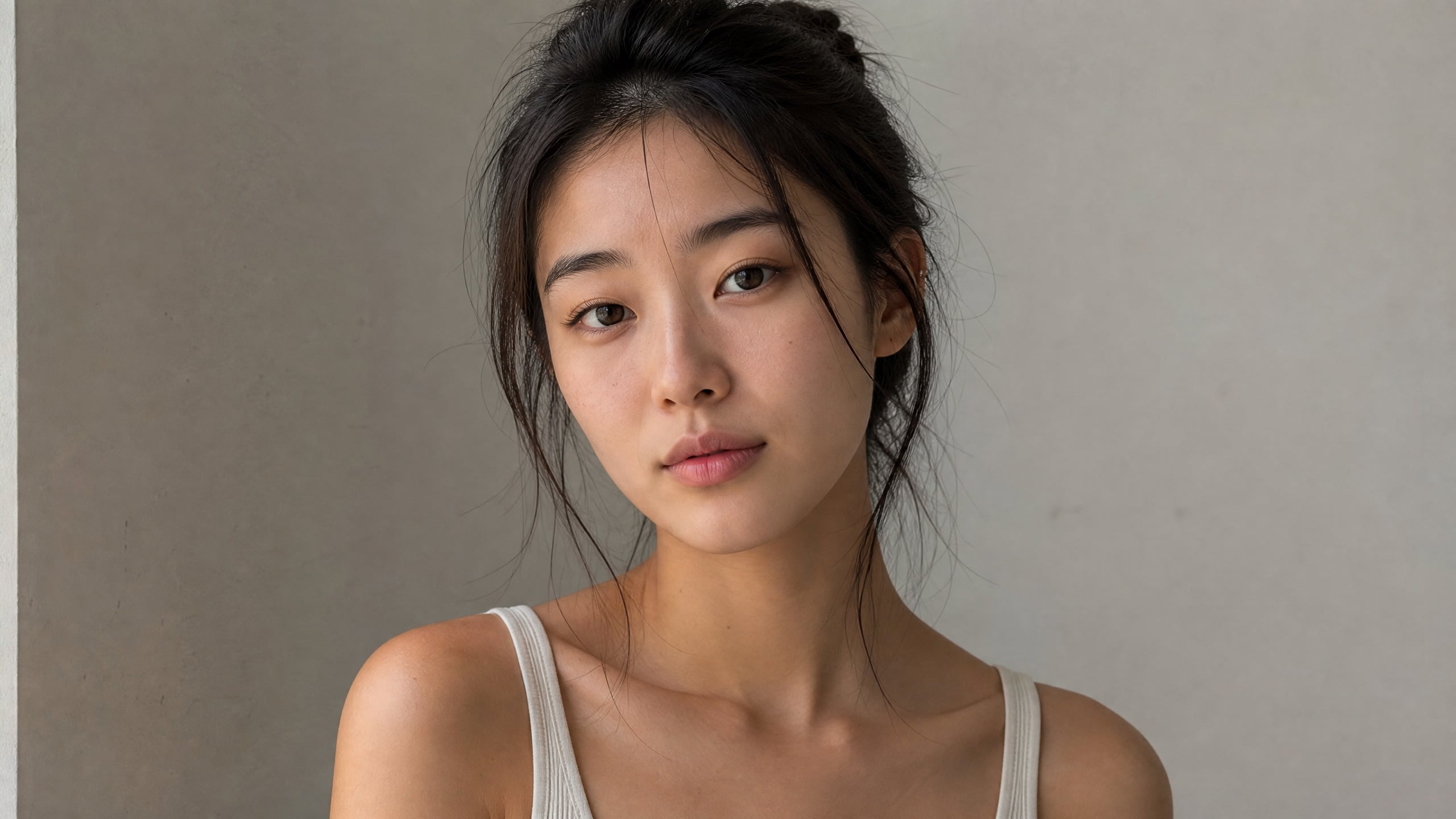
How AI videos are generated from Start to Finish
Start with text, an image, or a script. Choose a video model, style, and format. Renderforest generates visuals, voiceover, and scenes, which you can refine before exporting the final video.
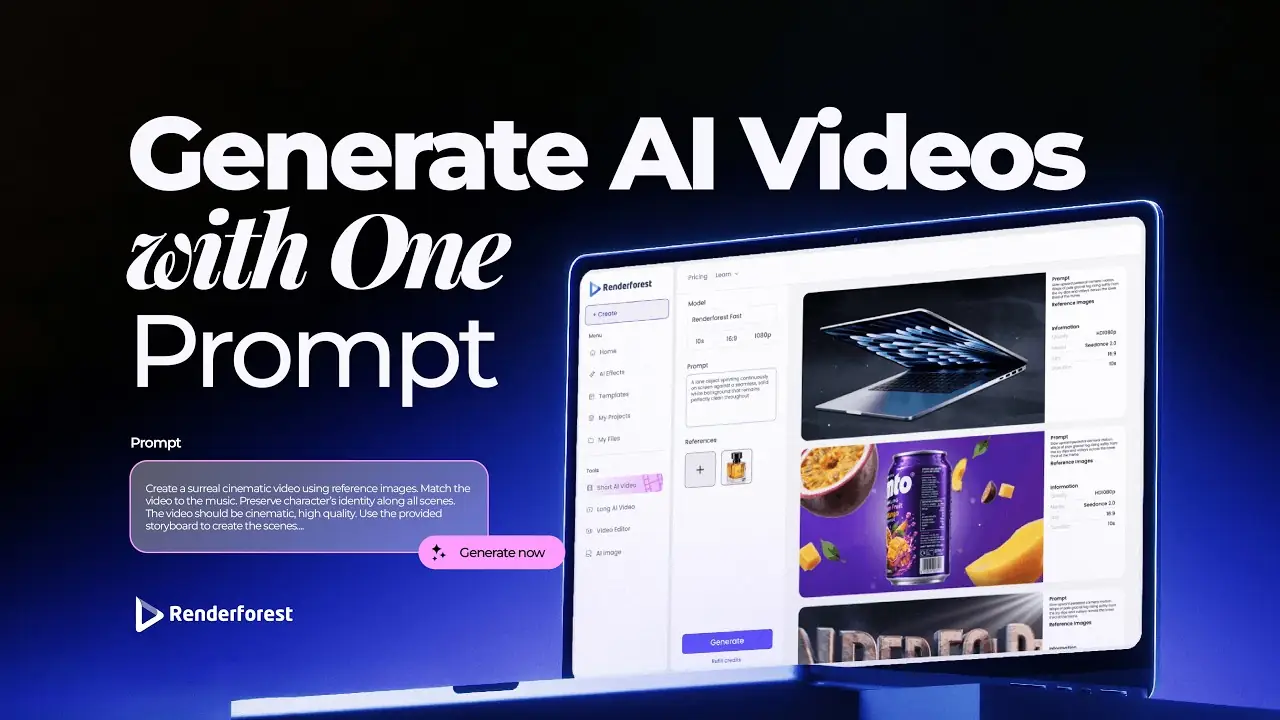
What is an AI video generator?
An AI video generator is a tool that turns text prompts, images, or audio into finished video using generative AI models. You describe the scene; the model generates the footage — and, in the newest models, synchronized audio — in seconds. Renderforest connects the leading models (Google Veo 3.1, Kling 3.0, Seedance 2.5, MiniMax H3, Pixverse) to a full editor, so the clip a model generates becomes a branded, publish-ready video.
Generate AI videoTop AI video models in one platform
Renderforest
Kling 3.0
Seedance 2.5
Google Veo 3.1
MiniMax H3
Pixverse
Renderforest
Renderforest delivers fast, free HD video generation for drafting and exploration. It's ideal for testing prompts, mapping out shots, and storyboarding ideas before committing to premium models.
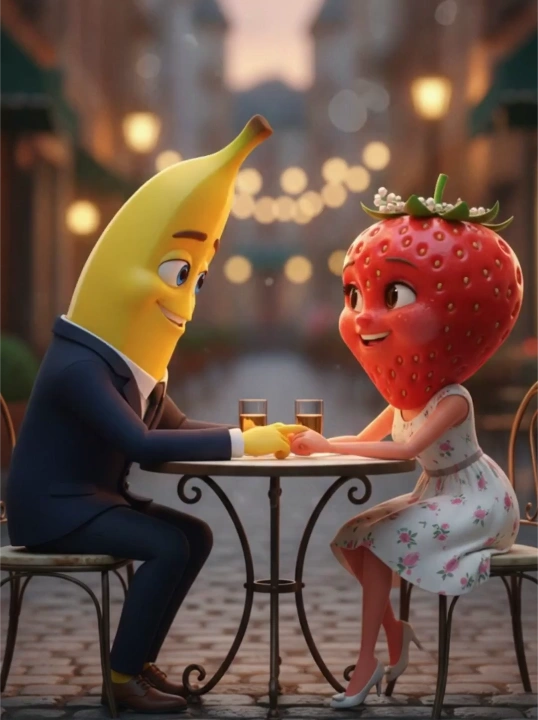
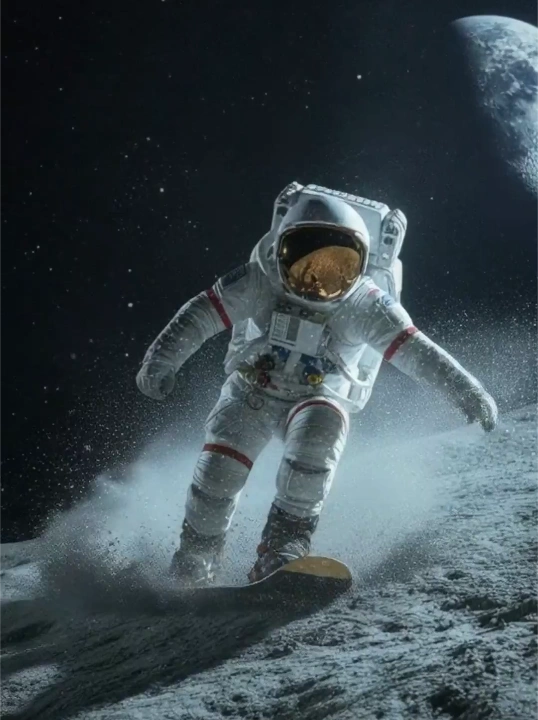
Kling 3.0
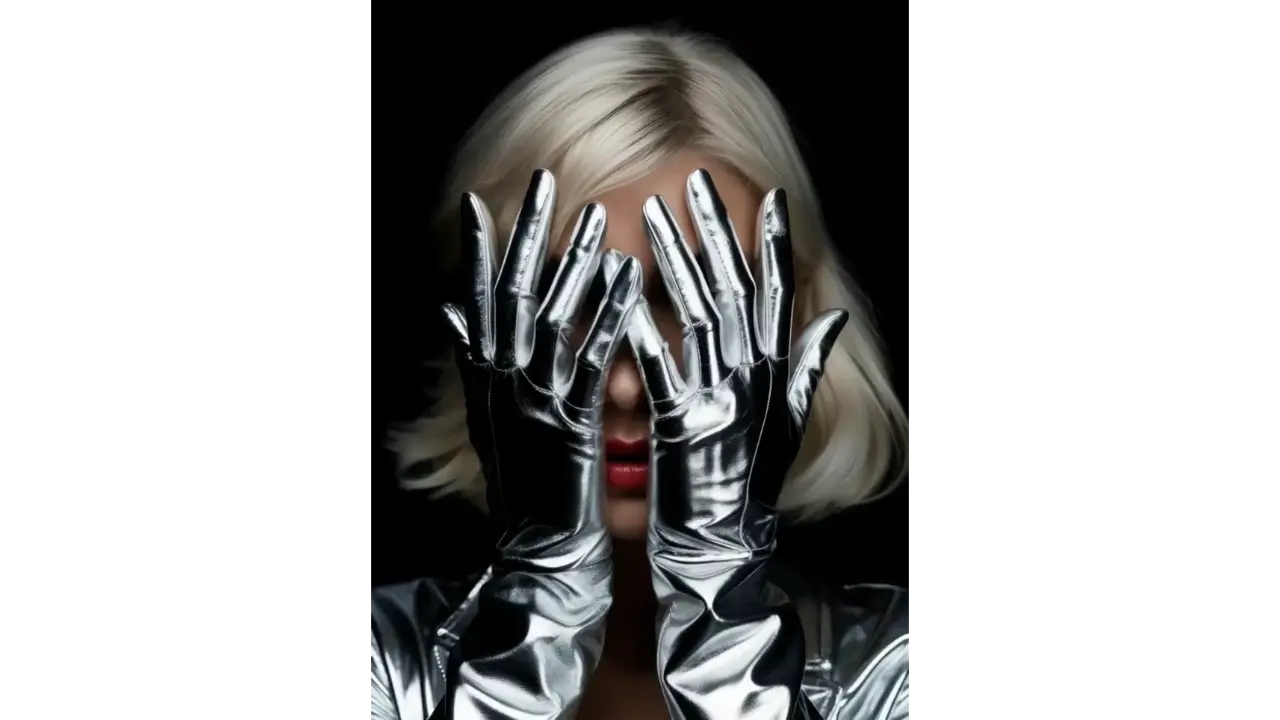
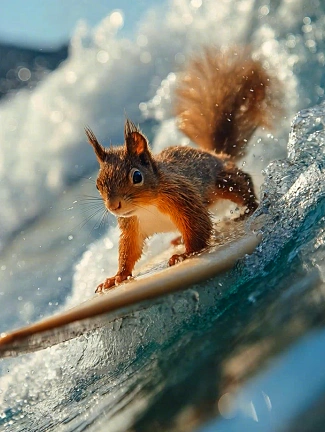
Kling 3.0 excels at realistic physical simulation and natural motion. It's ideal for scenes where physics matter — hair, fabric, water, and fluid movement done with lifelike accuracy.
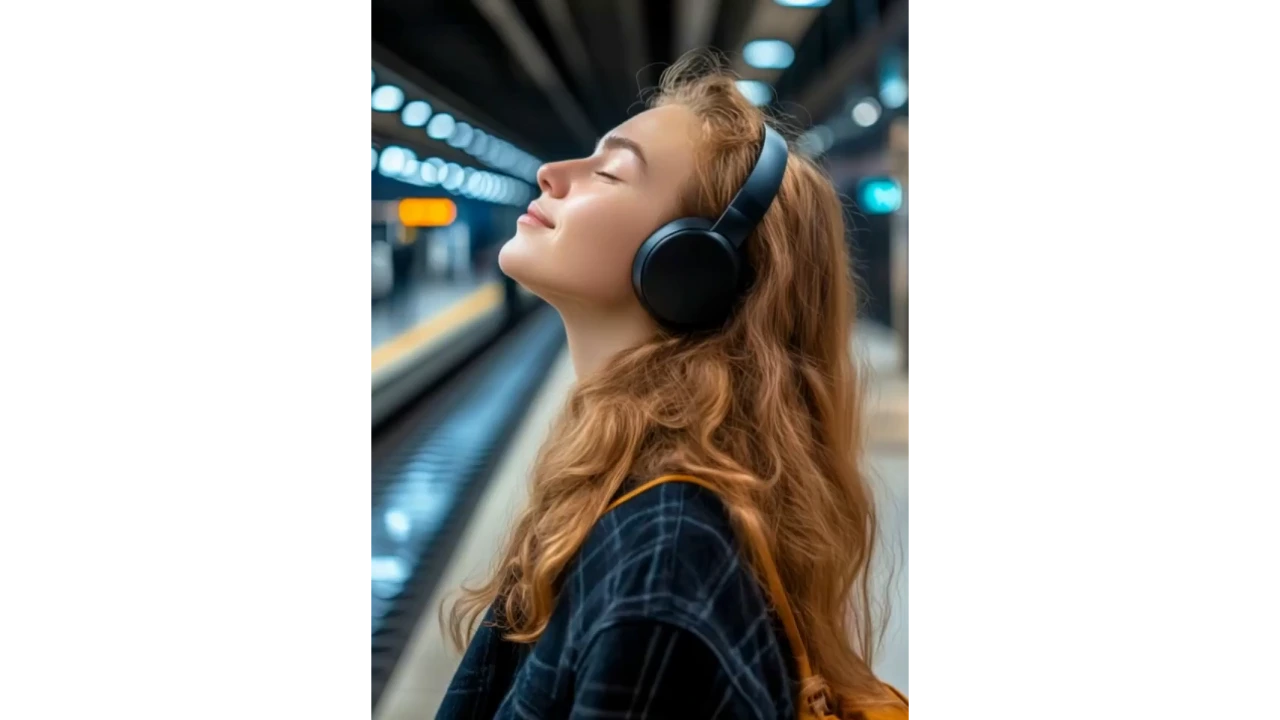

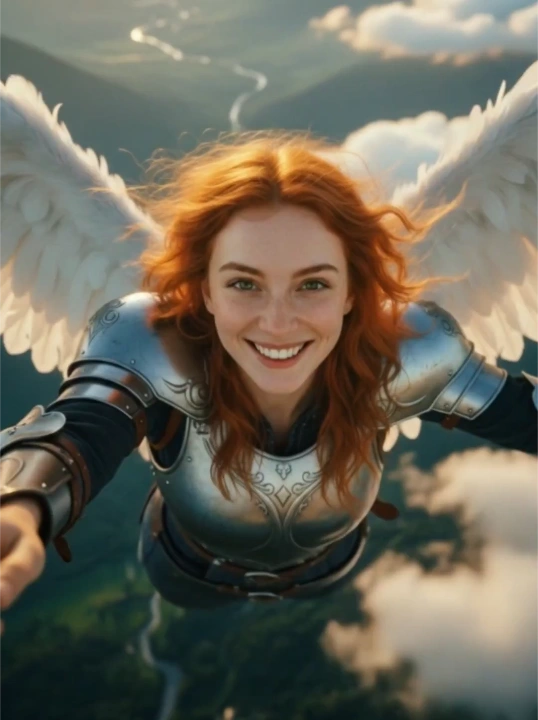
Seedance 2.5
Seedance 2.5 excels in character animation and realistic human motion, delivering smooth, expressive performances that work for product videos, explainer clips, and narrative storytelling.

Google Veo 3.1
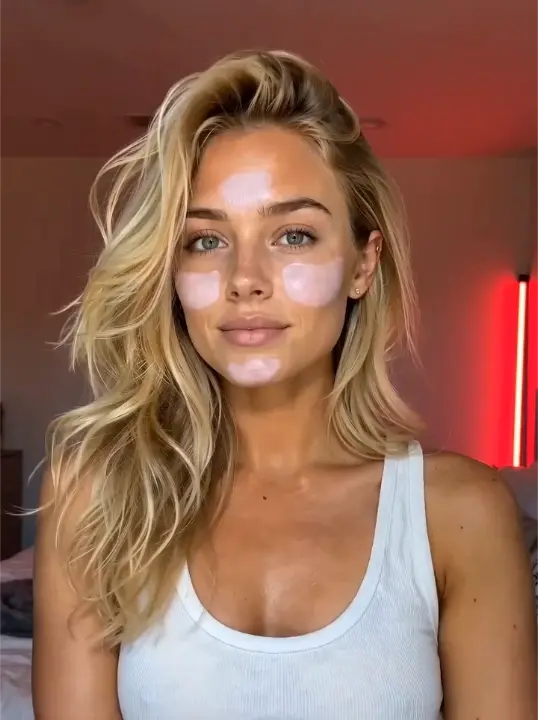
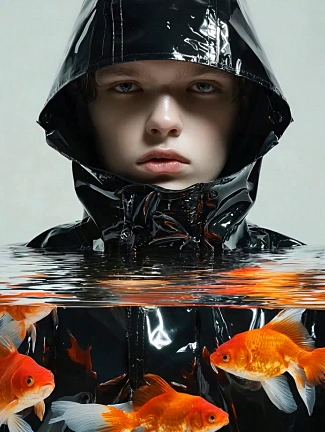
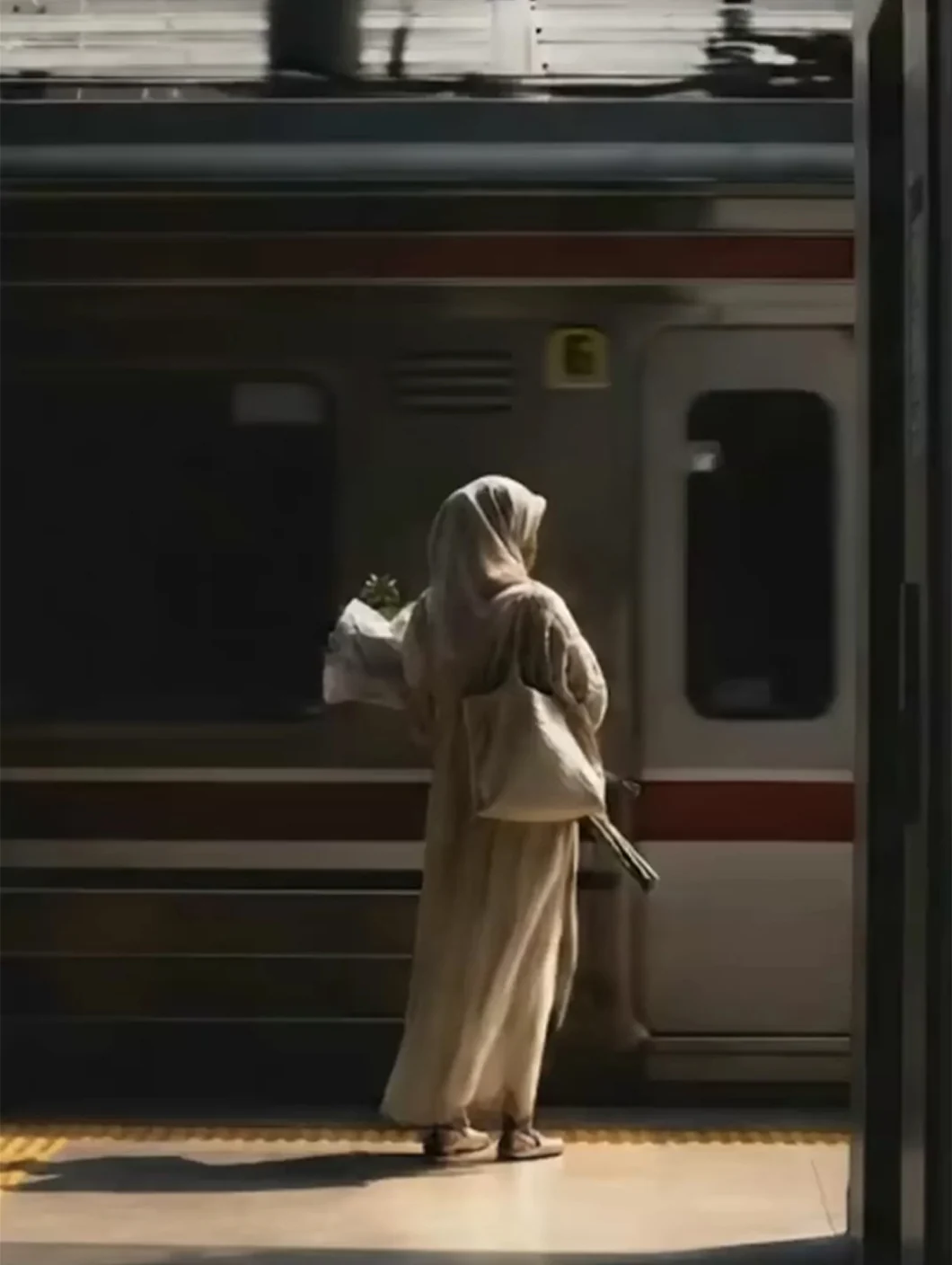
Google Veo 3.1 delivers cinematic realism with precise prompt adherence and controlled camera movement. It's ideal for polished brand films, lifelike scenes, and shots that need a filmed, professional look.
MiniMax H3
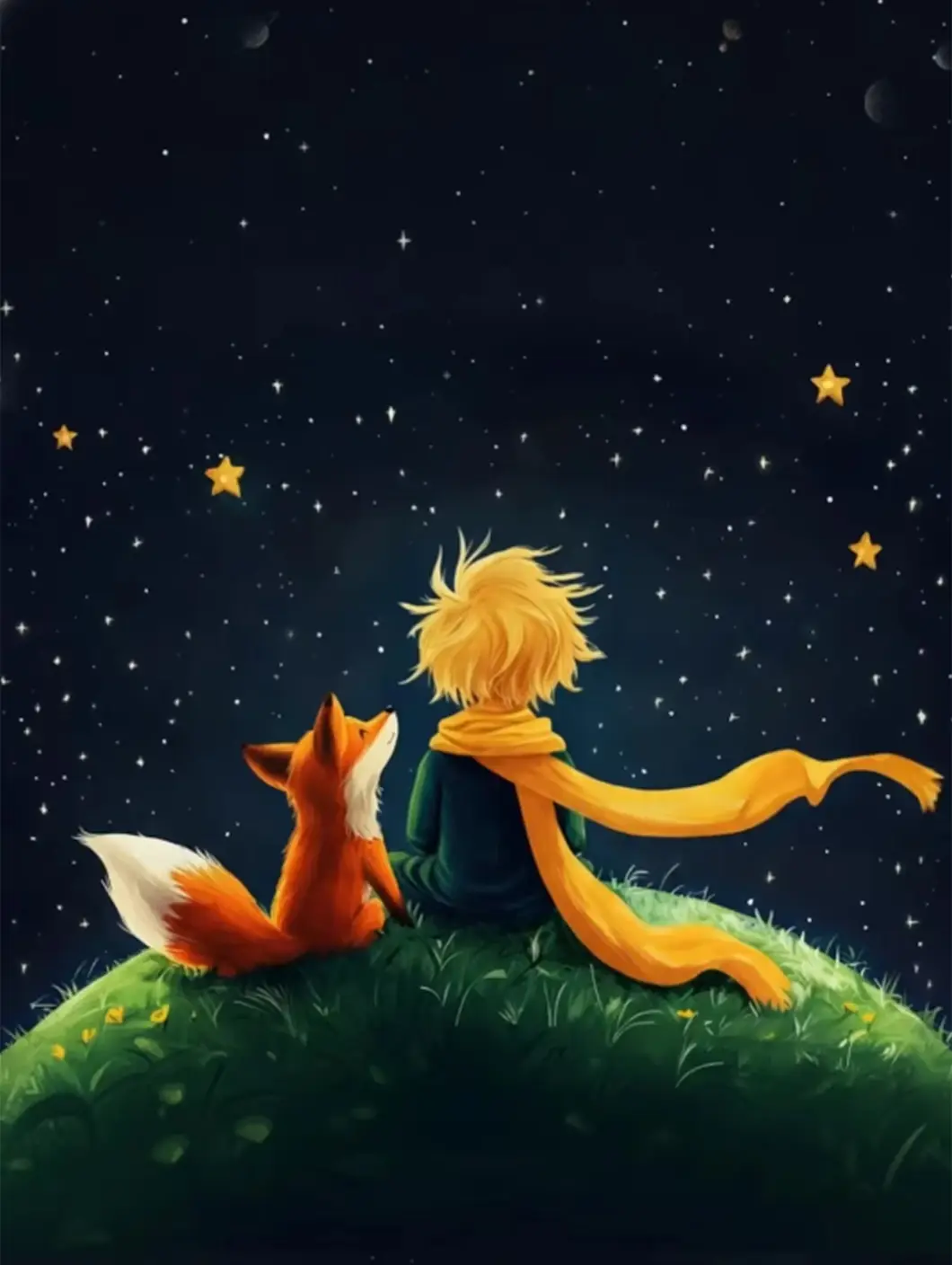
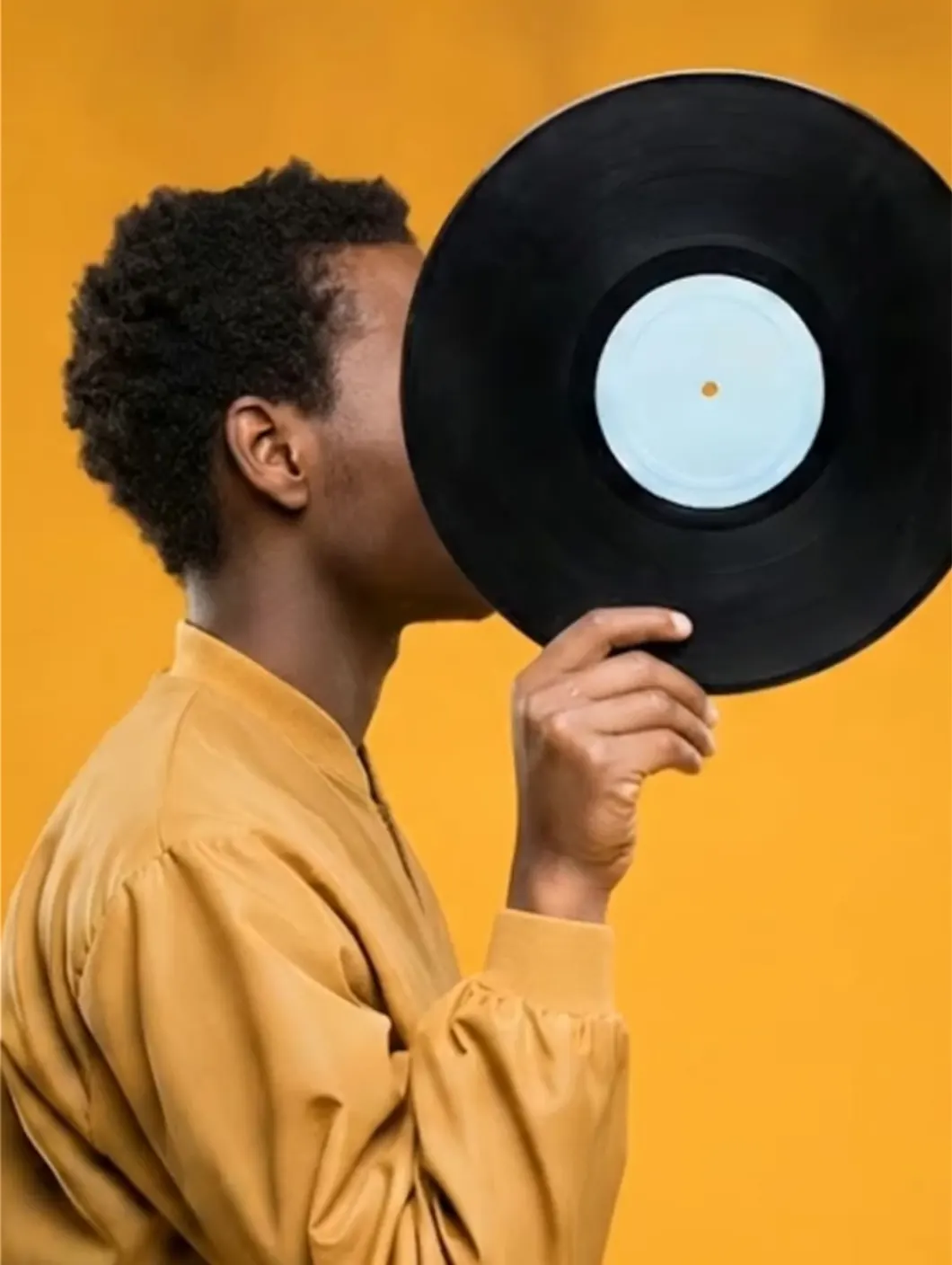
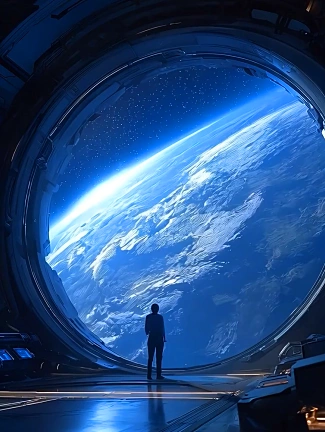
MiniMax H3 focuses on creative expression and fast generation. It offers stylized visuals and imaginative scene transitions, making it ideal for artistic storytelling, marketing content, and social media videos.

Pixverse
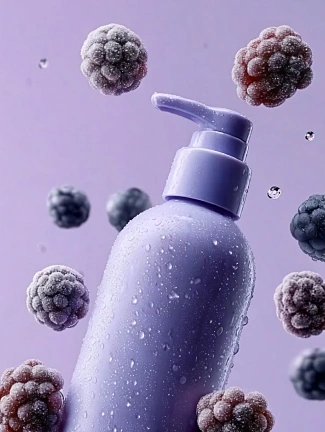
Pixverse combines speed with quality, producing visually striking animations and short clips in seconds. It’s ideal for quick idea visualization, animated concepts, and short-form video content.


Access multiple models with one subscription



Render Unlimited HD AI Videos at Lightning Speed
Create as many HD AI videos as you need with the powerful Renderforest Fast model. Perfect your projects, test variations, and iterate without worrying about render caps. Your creativity should never be restricted — and now, it isn't.
Check Subscription PlansWho uses our AI video generator?
This AI video maker is used by individuals and teams who need to turn ideas into videos without complex production workflows.
Content creators and influencers
Content creators and influencers
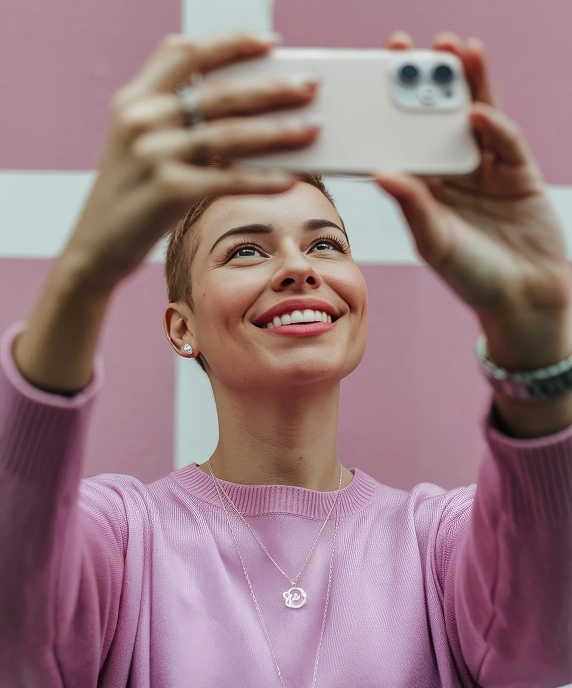
Creators can use our AI video generator to turn ideas into stories that connect with their audience. Craft attention-grabbing visuals, build consistent styles across content, and produce high-quality videos that grow engagement on every platform.

Marketing and business teams
Marketing and business teams
AI video creators help marketing teams create branded content, product explainers, and campaigns at scale. Enhance videos with AI-generated B-roll that adds context or emotion without additional filming, keeping production efficient and brand visuals aligned.

Ecommerce businesses
Ecommerce businesses
Ecommerce brands can use AI video makers to create product demos, promotional clips, and customer stories that increase engagement and conversions. Produce videos that highlight product features and reach global audiences with realistic visuals, consistent style, and multilingual voiceovers.

Educators and trainers
Educators and trainers
Teachers and trainers can transform lessons or tutorials into clear, visually engaging learning experiences. Communicate complex topics, maintain structure, and localize content for multilingual learners.
Agencies and creative professionals
Agencies and creative professionals
Agencies can use AI video generators to develop client concepts, previews, and campaigns quickly. Shorten production timelines, visualize ideas early, and maintain professional quality from draft to delivery.
Startups, nonprofits, and teams
Startups, nonprofits, and teams
Smaller organizations can communicate their message, promote initiatives, or showcase products with professional clarity. Produce impactful content that builds credibility without a full production team.
What makes Renderforest AI video generator different
How our AI video generator combines multiple models, consistent visuals, and flexible editing to support real video production needs.
How to create videos with AI
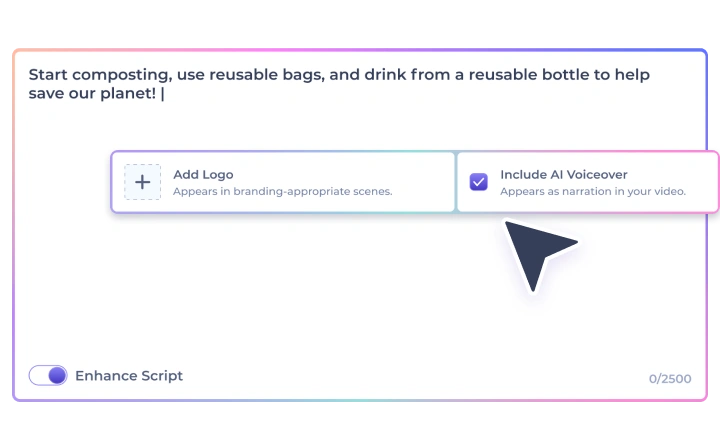
Enter your idea
Write your script, describe your concept, or upload an image, and let AI understand your vision.
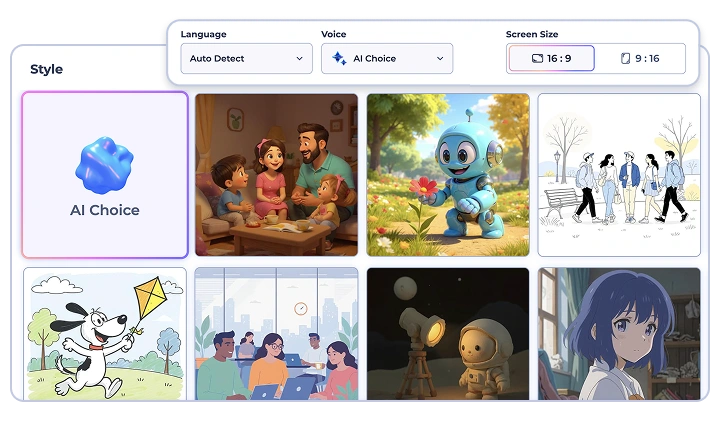
Choose your style and settings
Select your preferred video style and customize key details like voiceovers, aspect ratio and duration. Adjust visuals and settings to match your creative goals.
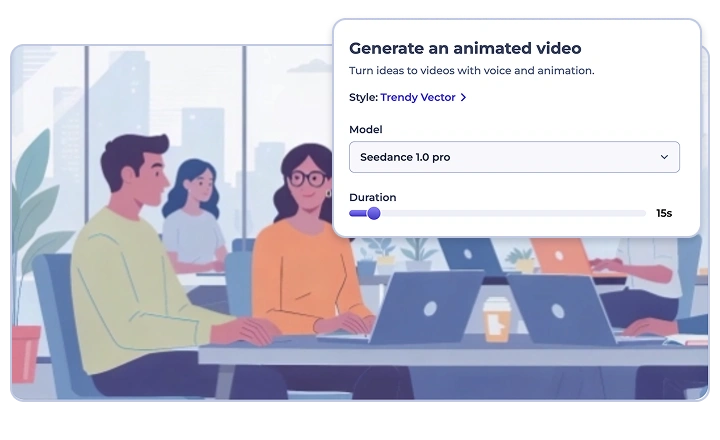
Generate, edit, and export
Generate your video in seconds, then refine it with our editing tools. Modify scenes, polish your story, and export your final AI-generated video ready to share anywhere.
See why people love us
Creators love how easy it is to make stunning videos in minutes with Renderforest AI.
If you're looking for the best AI video creation tool, just try Renderforest. It's the only option that produces videos 100% true to your prompt and the reference images you add.
Süleyman ElmasTrustpilot Short learning curve and very intuitive. I created a product explainer video a couple of hours after signing up, with no video editing knowledge.
Teja GudluruTrustpilot I love using Renderforest for creating intro and AI videos. Everything is fast and works exceptionally well, especially the video quality.
HanabiG2 With the AI tools they added, you can create a professional commercial for your business or brand just by typing a script.
Daniel R. S.Capterra I love the AI feature of Renderforest — that is just awesome. And I can make eye-catching reels using the AI reels maker.
JonathanTrustpilot Renderforest offers a diverse range of options for editing our videos with AI or manually. Unlike other AI tools, it's cost-effective and efficient.
Tony PongoTrustpilot The new AI features are awesome. Using image to video, I created beautiful short animations with my kids' book characters.
Vidmantas NarijauskasTrustpilot
I don't come from a video production background, but the platform turns my scripts into clear, professional videos without any hassle.
Kashif SyedTrustpilot A leap in the quality of our campaigns. With this speed of production, we serve retail clients with media on par with large ad agencies.
W RamosTrustpilot The AI features are very impressive. These tools make the creation process even faster and smarter, especially for video and branding content.
Muzammil M.G2 I've been using Renderforest for my video creation needs and I'm beyond impressed. The variety of templates is fantastic. A solid 5 stars!
Ashwin LakraTrustpilot The user-friendly interface, wide template collection, extensive customization options and fast rendering speed make my creative work achievable.
Mohamad Zaki B.Capterra Hundreds of videos later, I'm continually impressed with the quality of the results. The best money I've spent in 30 years of marketing.
Antonio CisnerosTrustpilot I'm dedicated to audiovisual creation, and Renderforest helps me create professional-level work quickly and simply. Fast, simple and pro.
Sembrando V.G2
AI video generator FAQ
What is an AI video generator?

An AI video generator is a tool that creates video from a text prompt, an image, or audio using generative AI models. You describe what you want to see and hear, and the model generates the footage — the newest models produce synchronized sound in the same pass. Renderforest connects models like Google Veo 3.1, Kling 3.0 and Seedance 2.5 to a full editor, so you generate, edit, brand and publish in one place.
How does an AI video generator work?
Modern AI video generators use diffusion-transformer models trained on video. Your prompt is encoded into a representation the model understands, and the model generates frames — and, in current models, audio — that match it. The more specific your prompt about subject, motion, camera and sound, the closer the result. In Renderforest you can also guide generation with reference images or audio, then refine the output in the editor.
What is the best AI video generator?
It depends on the job, because no single model wins every shot. Google Veo 3.1 leads for cinematic realism and precise prompt adherence, Kling 3.0 for lifelike physics and natural motion, Seedance 2.5 for character animation and human performance, and Pixverse for fast stylized clips. The practical answer is to run the same prompt through several models and compare — Renderforest includes them all on one plan, so the test costs nothing extra.
Is there a free AI video generator?
Yes. Renderforest’s free plan includes unlimited HD generation with the Renderforest model, with no credit card and nothing to install, and a single generation can produce a video up to 3 minutes long. Premium models such as Veo 3.1, Kling 3.0, Seedance 2.5 and MiniMax H3 come with a paid subscription instead of per-second credits, so you can draft for free and re-render the keeper.
Can I use AI-generated videos commercially?
Yes. Videos you generate and edit in Renderforest can be used for commercial projects, including ads, client work and monetized channels, as long as your content complies with Renderforest’s Terms of Service and usage guidelines. Note that platforms such as YouTube and Meta ask creators to label realistic AI-generated footage; that applies to output from every AI video tool, not just ours.
Which AI video models does Renderforest support?
Renderforest runs Google Veo 3.1, Kling 3.0, Seedance 2.5, MiniMax H3, Pixverse, and its own free Renderforest model, all inside one editor on one subscription. Each brings different strengths in realism, motion, style, or storytelling. As new AI video models are released, Renderforest integrates them quickly, so the list keeps growing instead of locking you to a single vendor.
Which AI video model should I choose?
Match the model to the shot. Cinematic footage with controlled camera work: Veo 3.1. Scenes where physics matter, like hair, fabric and water: Kling 3.0. Character animation and human performance: Seedance 2.5. Stylized, imaginative visuals: MiniMax H3. Fast short-form clips: Pixverse. Unlimited free drafts: the Renderforest model. Because they share one workspace, most creators draft for free, then re-render the keeper on a premium model.
How long can AI-generated videos be?
Each AI-generated scene typically runs 4 to 10 seconds, depending on complexity and how much motion it contains, which is the current state of the art across models. In Renderforest a single generation can produce a complete video of up to 3 minutes, and you can extend a project by generating more scenes in the same timeline, then adding music, voiceover and subtitles.
Do I need to install any software to use it?
No installation is required. Renderforest’s AI video generator runs entirely in your browser, and generation happens on our infrastructure, so there is no download and no GPU requirement. It works on desktop and mobile devices, and your projects stay in the cloud, available from any device you sign in from.
What types of inputs can I use to create a video?
Text prompts, images, and audio. Type a description for text-to-video, upload a photo or frame for image-to-video, or add a track and we generate a video that matches its mood and rhythm. Depending on the model you can combine inputs, such as a character reference image plus a text prompt, for much tighter control over the result.
Can I edit or update parts of my AI video after generation?
Yes, and that is the point of generating inside a platform rather than a raw model. Every clip lands in the Renderforest editor, where you can trim and stitch scenes, replace visuals, regenerate individual shots, add your logo, brand colors, subtitles and licensed music, and resize for YouTube, TikTok, Reels or Shorts. Advanced users can build fully custom projects with the same tools.
Will the AI maintain characters and visuals consistently across scenes?
Renderforest keeps character design, lighting, motion and style consistent across scenes, which is what makes multi-scene storytelling hold together. Seedance 2.5 and Kling 3.0 are strongest here: generate your scenes from the same reference images, then stitch them in the editor. Perfect consistency is still an active research frontier, so we expose the models that currently handle it best.
What quality and aspect ratios can I export in?
AI generation currently outputs HD, and you can create up to 4K resolution videos using Renderforest’s pre-made video projects. Aspect ratios cover every major platform, with 16:9 for YouTube and 9:16 for TikTok, Reels and Shorts. For image-to-video projects, the AI preserves your original image dimensions so composition and quality stay intact.
Is my data and content secure?
Yes. Renderforest uses encrypted data processing and secure storage, and your projects and uploads stay private to your account. Privacy and ethical AI use are core principles, so user content is handled confidentially and responsibly. Renderforest has operated since 2013 and serves 40M+ creators, including enterprise teams that bring their own security requirements.
Can multiple team members work on the same video project?
Yes. Team plans include shared workspaces and multi-seat access, so several people can work on the same project, review edits, and make updates in real time within the same workspace. Agencies use this to manage separate client brand kits while keeping every model available under a single subscription.