Free Music Visualizer
Turn any track into a music visualizer video: waveform, spectrum bars, circular and particle styles, or an AI scene that moves to the beat.
Trusted by 40M+ users and 100k+ high-end companies





How the music visualizer works
From an audio file to a finished video in three steps.

Upload the audio
Add an MP3 or WAV file; the waveform appears on the timeline.

Pick a style
Choose waveform, spectrum bars, circular, particles, lyric typography, or an AI scene generated from a prompt that reacts to the beat. Add your cover art, title and artist name.

Export
Choose 16:9 for YouTube or 9:16 for Shorts, Reels and TikTok, and export in 720p, 1080p or 4K depending on your plan.
Free music visualizer: what you get
Free | Lite | Pro | Business | |
|---|---|---|---|---|
Price | $0 | $15 per month, or $9 per month billed annually | $39 per month, or $19 per month billed annually | $59 per month, or $39 per month billed annually |
Visualizer length | Full tracks | Full tracks up to 120 minutes | Full tracks up to 120 minutes | Full tracks up to 120 minutes |
Export | 720p without a watermark | 720p | 1080p | 4K |
Upload size | 200 MB | 500 MB | 4 GB | 5 GB |
Commercial use | Personal use | Yes | Yes | Yes, with reseller licence |




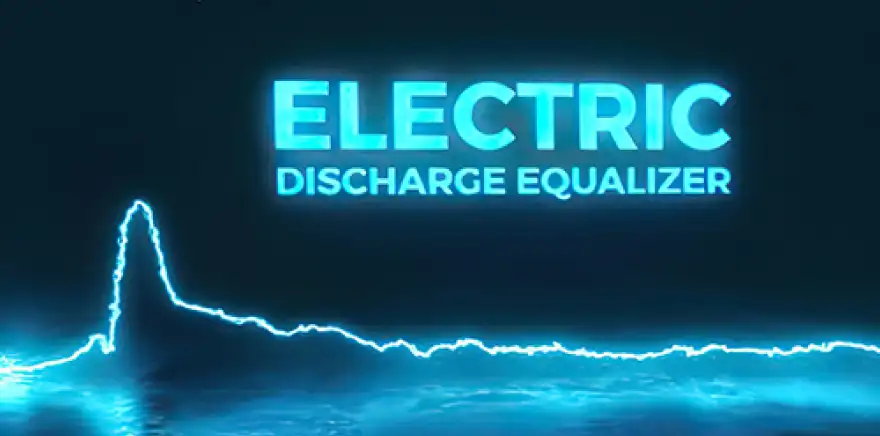
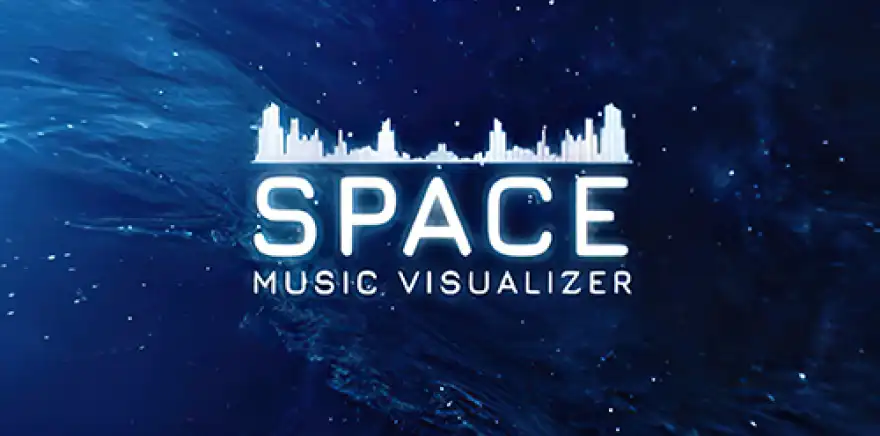
The Most Popular All-in-One Design Platform

34 Million
Previous Customers

100+ Million
Created Projects

20.000+
Positive Reviews
Main Features of Renderforest’s Music Visualizer
Music Visualizations at Any Length
Renderforest's free Music Visualizer can adjust to audio of any length. The tool is ideal for handling both brief excerpts and extended recordings. It guarantees that each sound in your visuals is exactly synchronized, creating a smooth audio-visual storytelling experience.
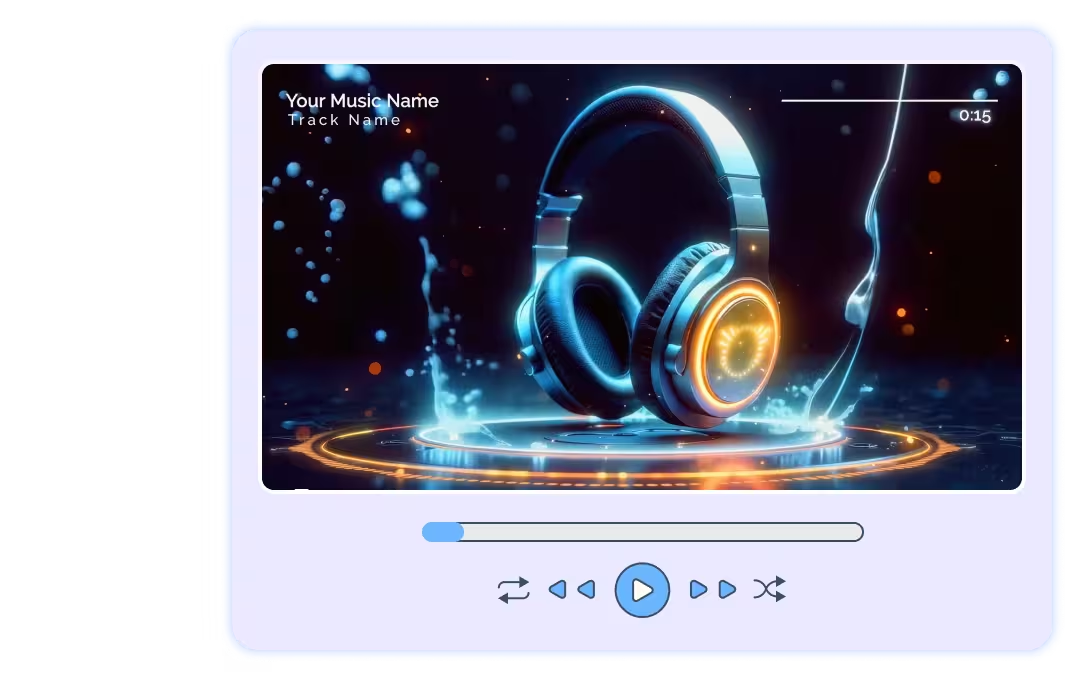
Complex Video Footage to Go With the Audio
Our audio visualizer offers a variety of complex video footage possibilities, ranging from abstract patterns to detailed animations that sync with the speed of your music. The music visualization tool combines visual and aural components into an integrated creative statement.
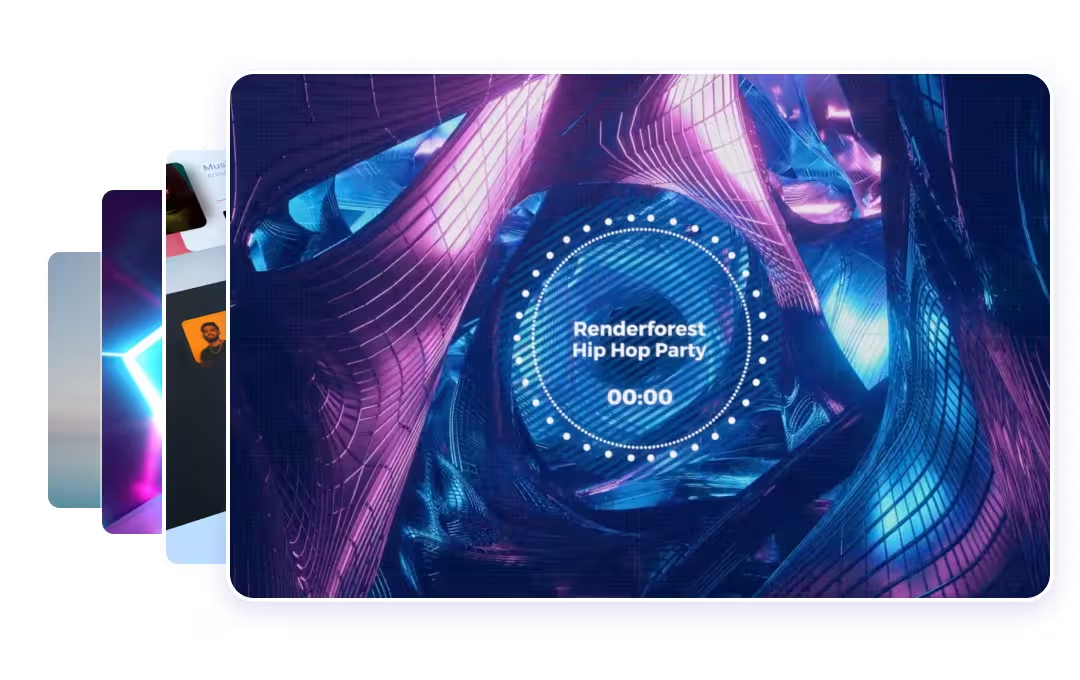
Easy-to-Use Interface
It’s all about keeping things simple. Whatever your level of technical video editing experience, you can use this audio visualizer online. Its simple functionality makes it a great option for a free music visualizer.
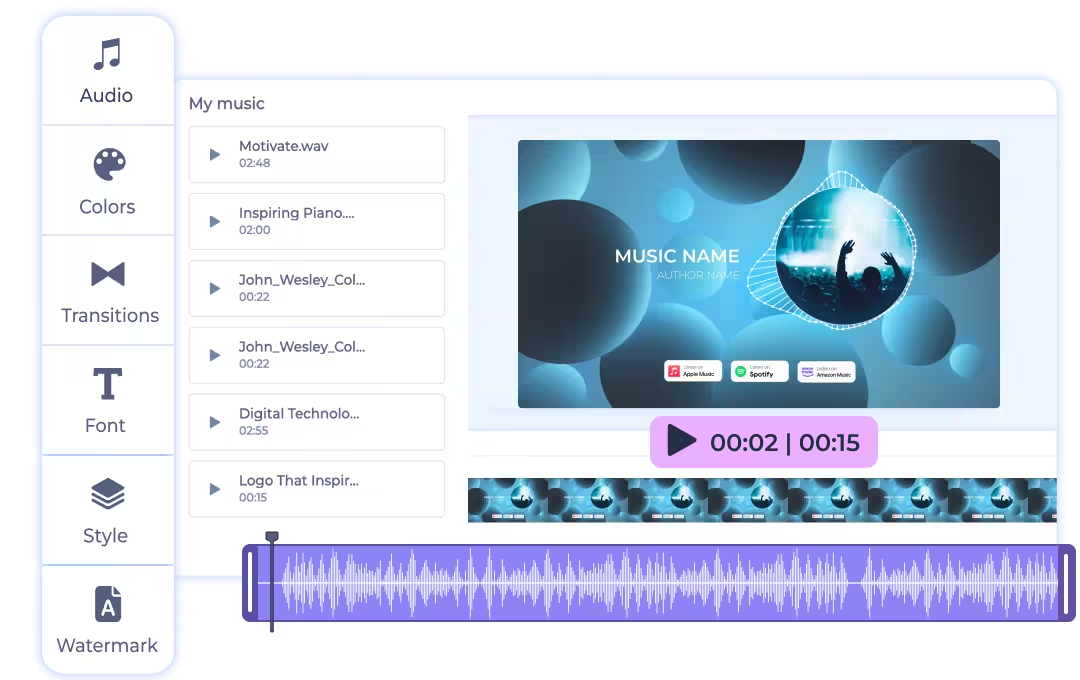
Personal Watermark Integration
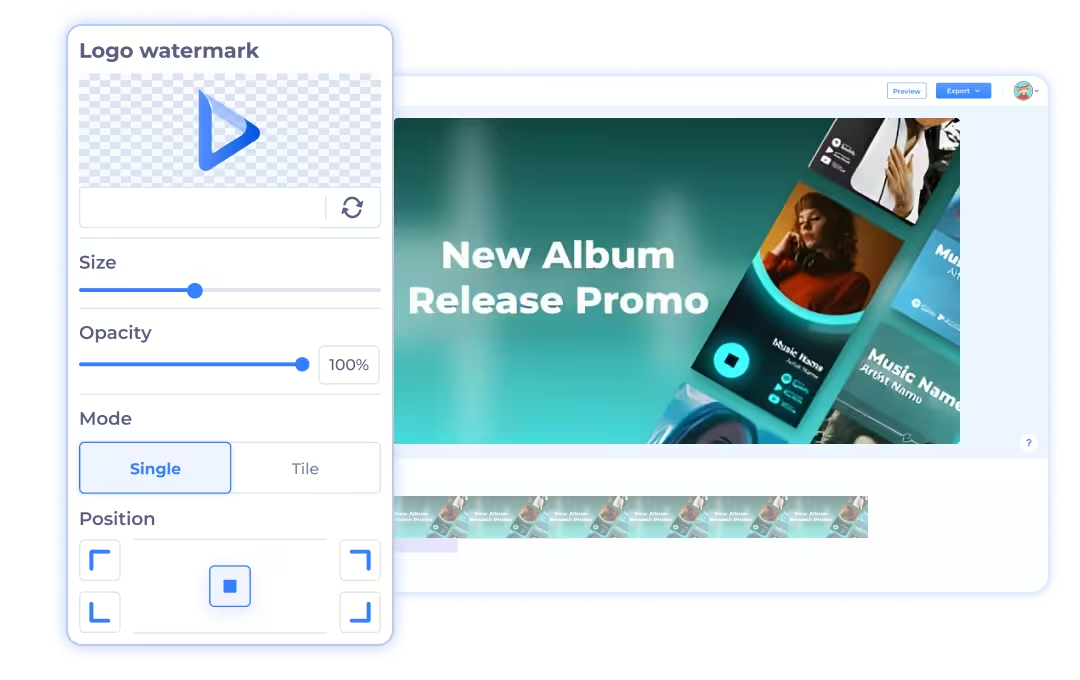
Our tool allows for personal watermark integration so that your visual creations carry your unique brand identity. This is especially great for artists and creators who want to protect and promote their work across various platforms.
Make Music Visualizations for Free
Create dynamic visuals for your music with our free visualizer tool. Explore a variety of templates and watch our tutorial to learn how to easily transform your tracks into engaging videos for YouTube, Facebook, and beyond.
Join Millions of Users to Save Time and Succeed!


Create Your First Audio Visualization – Here’s Why You’ll Love It
Audio visualizations bring more engagement to your viewer
It’s simple, easy to use, and beginner-friendly
You can make your own collection of music visualizers
Our templates are professionally-crafted
Our visualizer works directly in your browser
You’ll get broadcast-quality results
Who can benefit from our Audio Visualizer

Musicians and DJs
If you're a musician or a DJ, you can take your performances up a notch using the Music Visualizer free of charge. It syncs visuals with your tracks, creating an immersive experience for your audience. Whether you're playing at a club or streaming online, an audio visualizer adds that extra flair that keeps the crowd hooked.

Artists
An audio visualizer isn’t just for music—it’s a tool to integrate into your digital art, especially if you’re into experimental media. It lets you explore the intersection of sound and visuals, creating pieces that react to music or ambient sounds. With a free audio visualizer at your disposal, you can experiment without constraints.

Producers
For music producers, a song visualizer can serve as a tool for analysis and promotion. You can visualize how different sounds interact in your mix, helping you better understand and improve your work. Plus, sharing these music visualizations can make your tracks more appealing and accessible when you promote them online.

Content Creators
Content creators, especially those who publish on platforms like Instagram or TikTok, can use an audio visualizer to make their content stand out. Even simple podcasts or talks can become more engaging with a visual element that reacts to the audio. Add an artistic touch to your work without going over budget.

YouTubers
For YouTubers, engagement is key, and our audio visualizer can help keep your audience hooked. Use it to create catchy intros or to visualize background music in your videos. It’s a simple addition that can level-up the professional quality of your music videos and boost viewer retention.

Event Organizers and Planners
Event planners and organizers can enhance the ambiance of their events by using online audio visualizers. This tool creates dynamic and visually captivating scenes that synchronize with announcements or live music, transforming the atmosphere into a more engaging and memorable experience for all attendees.

Marketers
Marketers can use a music audio visualization tool to make their advertisements and promotional content more dynamic. Visualizing audio in marketing materials can draw the attention of potential customers. It’s an innovative way to reinforce your marketing strategies with visual elements that resonate with your target audience.
More insights on how to make cool music visualizations
Let our users speak for us!


Marketing Manager
Being a new business owner, Renderforest was an inexpensive way to create high quality promotional videos for my new business. After speaking with some commercial video production companies, I was convinced that Renderforest was the right way to go given that the professional quality of self-made Renderforest videos were closely comparable to those of commercial production companies. I liked the fact that one can almost endlessly edit the videos to satisfy one's creative appetite. No business (regardless of the size) can go long with Renderforest and you only need basic computer skills to be utilize the vast number of tools the platform has to offer.

Marketing Manager
As a dj-producer and indie record label manager, I consider Renderforest the most adequate tool to create and publish attractive music videos and punchy label promo videos in order to promote my music and my label. I really enjoy the innovative templates and their flexibility, the inspiring music visualizers and the wide choice of sexy logo reveals. I strongly recommend this platform to anyone aiming to achieve top quality video production with ease at a reasonable cost.

Digital Marketing Executive of Dripshot
Our production company is small with few employees, so my time is precious. Renderforest has saved me DAYS that it would have taken for me to build my own motion graphics to suit my needs! I love how many options there are and the cutting edge, very professional look of everything on here helps us keep up with the big guys! The fact that it's so easy to use almost makes it seem too good to be true... but it's real!
Music Visualizer FAQ
Is the music visualizer free?

Yes. Upload a track, choose a style and export it for free in 720p, at full length and without a watermark. Paid plans start at $9 a month billed annually, with exports up to 1080p on Pro and 4K on Business.
What audio formats can I upload?
MP3 and WAV, up to 200 MB on the free plan and up to 500 MB on Lite, 4 GB on Pro and 5 GB on Business.
Can I use the video on YouTube and Spotify Canvas?
Yes. Export 16:9 for YouTube and 9:16 for Spotify Canvas, Shorts, Reels and TikTok; you need the rights to the music you upload.
Can the visualizer react to the beat?
Yes. Every style is audio-reactive: bars, waves and particles follow the amplitude of your track, and the AI scene style moves on the beat.
What is a sound visualizer?
A sound visualizer, also known simply as an audio visualizer, translates audio signals into visual forms. It’s like seeing what you hear—each beat, note, and rhythm represented through graphics that move and change in real-time with the music.
What does it mean if you can visualize music?
If you can visualize music, it means you’re capable of associating sounds with visual imagery. In the context of using a music visualizer, it refers to converting the audio tracks into visual animations or patterns that reflect the dynamics and characteristics of the music.
What are the ways of visualizing music?
Several methods exist for visualizing music, each offering a unique visual representation of sound. Waveforms illustrate the overall energy and dynamics of the music, capturing its flow and intensity. The audio spectrum, often depicted as a multi-colored bar or line graph, displays the frequencies present in the music, highlighting its diverse tonal components. Lastly, beat-based animations synchronize with the music's beat to create dynamic patterns or changes in the visuals, adding rhythm and movement that align with the audio's tempo.
What are the different types of music visualizations?
There are two main types of music visualizations: reactive and scripted. Reactive visualizations are automatically generated visuals that react to the music as it plays, adapting in real-time to the sound's dynamics and changes. Scripted visualizations, on the other hand, are custom animations that are pre-programmed to synchronize perfectly with specific music tracks. These allow for highly tailored visual experiences that match the audio precisely.
How does a music visualizer work?
If you’re wondering how to make a music visualizer, start by choosing Renderforest Music Visualizer, a software that supports dynamic audio input and offers a variety of visual templates to match your musical style. It works by analyzing the audio input it receives—this can be a song, live audio, or any other sound—and using algorithms to create graphics that correspond to various elements of the audio, like pitch, tempo, and volume.
What are the benefits of using a music visualizer?
Using an audio visualizer improves the listening experience by adding a visual layer to the audio, making it more engaging. It's particularly useful for artists and creators looking to showcase their music in a more immersive way and for marketers or event organizers to create visually appealing audio-based content.
Can I customize the visualizations?
Yes. Most music visualizers, including Renderforest's, offer a range of customization options. You can choose different styles, colors, and patterns to match the mood and tone of your music, making each visualization uniquely yours.
How do you use Renderforest’s Music Visualizer?
To make a visualizer for music using Renderforest, start by uploading the track you want to visualize. Choose from a variety of visualization templates that best fit your style. You’ll then want to adjust colors, elements, and more to personalize the visualization. You can see your visualization in real time and make any necessary adjustments. Once you’re done, export your visualized music video and share it.
What is the best music visualizer?
The best music visualizer is one that offers both high-quality visualizations and flexibility in customization. Renderforest’s Music Visualizer ranks highly due to its ease of use, different templates available, and wide customization options. This makes it an excellent choice regardless of your experience.